
Various errors may occur in the log file when retrieving appointments and contacts.
A common example is the following error message:
COMException(10) getting Outlook calendar items.This error is often caused by an incomplete installation of the .NET Framework or the VSTO Runtime (also known as the “Visual Studio 2010 Tools for Office Runtime”).
In most cases, the issue can be resolved by installing or reinstalling both the .NET Framework and the VSTO Runtime.
Installing .NET Framework 4.8.1
1.) Download the .NET Framework 4.8.1:
– Download .NET Framework 4.8.1
– Alternativ Download .NET Framework 4.8.1
2.) Open the Download folder on your PC.
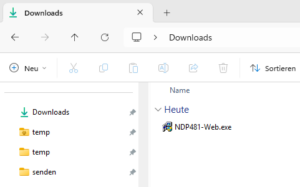
3.) Start the installation by double-clicking NDP481-Web.exe.
4.) Follow the instructions provided by the installation wizard.
Installing the VSTO Runtime
1.) Download the VSTO Runtime:
– Download VSTO Runtime
– Alternative Download VSTO Runtime
2.) Open the download folder on your PC.
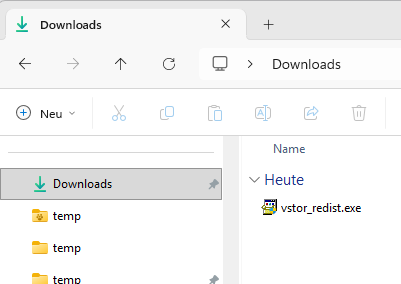
3.) Start the installation by double-clicking vstor_redist.exe.
4.) Follow the instructions provided by the installation wizard.
Additional Notes
If the error persists after the installation, restart Windows and Microsoft Outlook. In some cases, it may also be necessary to perform a Microsoft Office repair installation.
